
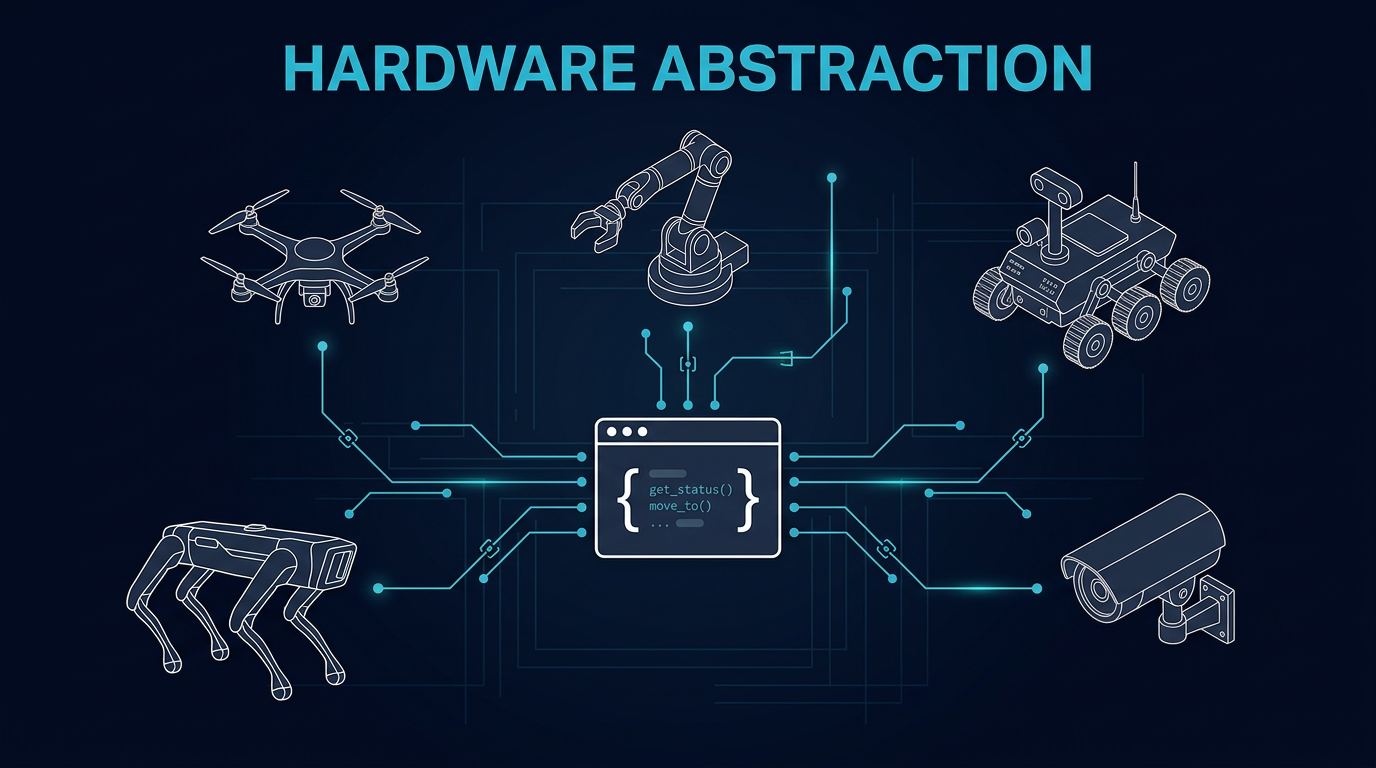
One API for every robot
Quadrupeds walk, drones fly, arms manipulate, cameras perceive — but your application code shouldn't care. Cyberwave normalizes every device behind a capability-driven twin API. Write logic once, run it on any supported hardware.
import cyberwave as cw

client = cw.Cyberwave()

# Same API — different robots
dog   = client.twin("unitree/go2")           # → LocomoteCameraTwin
drone = client.twin("dji/mavic-3")           # → FlyingCameraTwin
arm   = client.twin("universal_robots/ur7")  # → GripperDepthCameraTwin

# Capability-specific methods appear automatically
dog.move_forward(2.0)          # Locomotion
drone.takeoff(altitude=5.0)    # Flight
arm.joints.shoulder_pan = 90   # Manipulation
arm.grip(force=0.8)            # Gripper

# Every twin shares: joints, navigation, camera, events
for twin in [dog, drone, arm]:
    twin.on("event", handle_event)
print(twin.joints.list())The SDK reads capability flags from the catalog and returns the right twin subclass. A quadruped gets move_forward(); a drone gets takeoff(); an arm gets grip(). Multi-capability robots compose automatically — a drone with a gripper becomes a FlyingGripperCameraTwin.
move_forward(), turn_left(), move_backward()Every twin gets its own topic namespace. Telemetry flows up, commands flow down, events propagate to workflows — same structure regardless of what hardware is running underneath.
…/twin/{uuid}/position…/twin/{uuid}/joint/update…/twin/{uuid}/telemetry…/twin/{uuid}/edge_health…/twin/{uuid}/command…/twin/{uuid}/navigate/command…/twin/{uuid}/motion/command…/twin/{uuid}/mission/command…/twin/{uuid}/event…/twin/{uuid}/navigate/status…/twin/{uuid}/video (WebRTC)…/twin/{uuid}/depth…/twin/{uuid}/map_updatesource_type (edge, tele, sim, edit) so downstream consumers can filter. Teleop commands are gated separately from autonomous outputs; simulation data never reaches physical actuators.Each robot connects through a driver — a Docker container that speaks the device's native protocol on one side and Cyberwave on the other. Edge Core picks the right driver from asset metadata and handles the rest.
Adding a new ROS 2 robot means writing a YAML mapping — not a new driver. For non-ROS hardware, extend BaseEdgeNode and implement four hooks: _setup, _subscribe_to_commands, _build_health_status, and _cleanup.
From one SDK call to physical actuation — the same path for any robot.
Build against capabilities, not brands
Start with any robot from the catalog. The SDK gives you the right interface automatically. Swap hardware later without changing a line of application logic.