
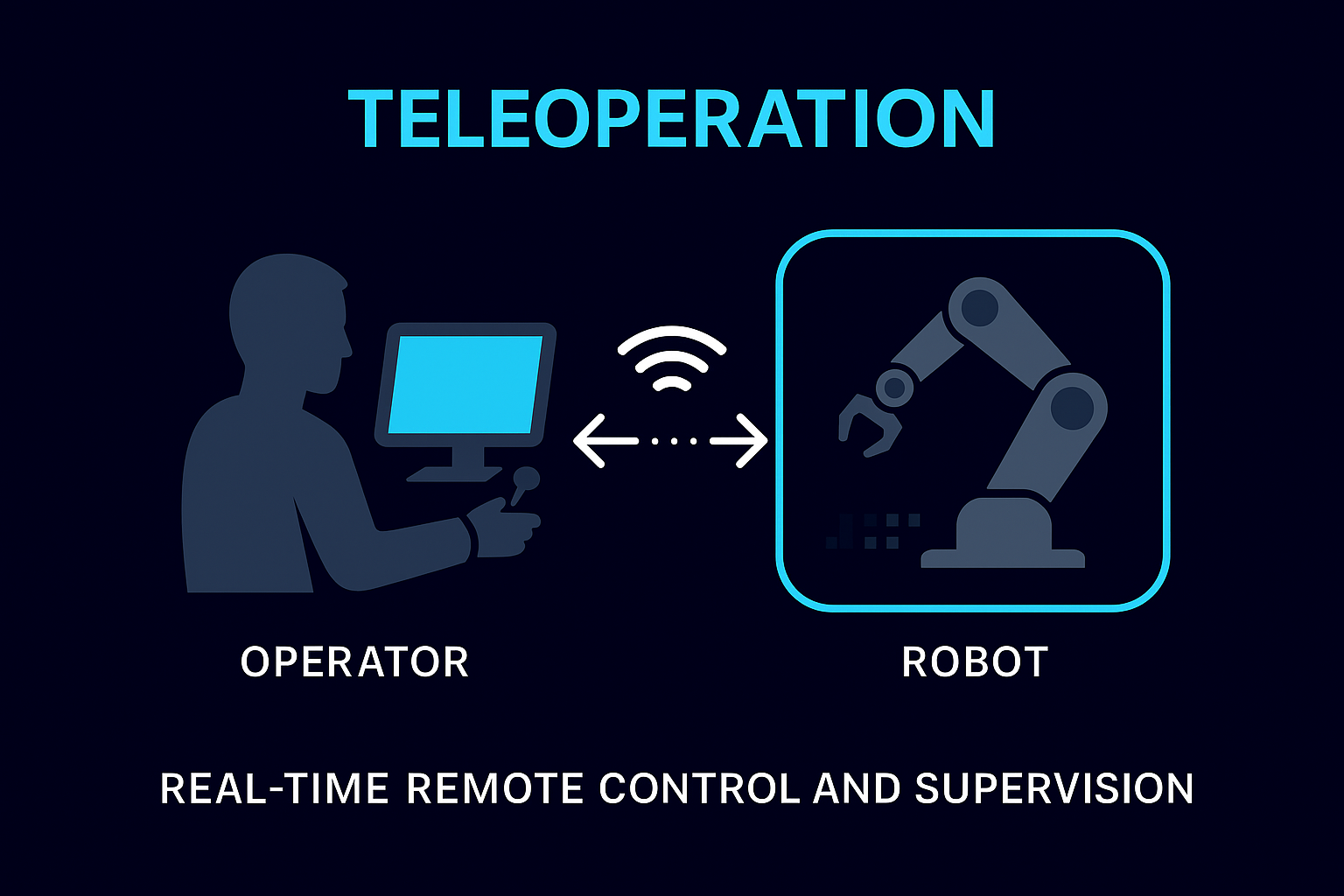
What is Teleoperation?
Teleoperation is the ability to control a robot from a distance, with the operator receiving sensory feedback and sending commands in real-time. Unlike pure autonomy, teleoperation keeps humans in the loop—enabling expert judgment, handling edge cases, and providing a fallback when automated systems reach their limits.
Control Modes
Direct Control
Operator commands directly control actuators. Every joystick movement translates to robot motion.
- Precision manipulation
- Hazardous material handling
- Surgical procedures
- Full situational awareness required
- Highest operator workload
- Maximum flexibility
The Latency Challenge
Teleoperation is fundamentally a latency problem. When an operator moves a joystick, they expect immediate response. Cyberwave's architecture minimizes delay at every stage.
Glass-to-Glass Latency
From camera to operator's screen
Video Streaming Architecture
Real-time video is the operator's primary sense. Cyberwave streams using WebRTC with adaptive bitrate—prioritizing low latency over perfect frame delivery.
Video Streaming Pipeline
Input Flexibility
Different tasks require different controls. Cyberwave maps any input device to robot capabilities through configurable profiles.
Supported Input Devices
- Analog sticks
- Triggers
- Haptic feedback
- Point selection
- Keyboard shortcuts
- Precision clicks
- Gesture control
- Virtual joysticks
- Pinch zoom
- 6-DOF control
- Force feedback
- Bilateral teleop
Safety by Design
Teleoperation does not mean unlimited control. Safety constraints are enforced at the edge regardless of operator commands.
Safety Systems
Enforced at the edge, cannot be bypassed
Maximum speeds enforced regardless of operator input
Workspace boundaries the robot cannot exceed
Automatic halt when obstacles detected
Safe stop if operator disconnects
Safety limits are applied at the robot's edge runtime, not in the cloud. Even if network fails mid-command, the robot stays within safe bounds.
Network Resilience
Teleoperation must degrade gracefully when network conditions deteriorate.
Network Resilience
- • Full 4K streaming
- • 60fps video
- • All cameras active
- • Full telemetry
- • Reduced resolution
- • Priority camera only
- • Essential telemetry
- • Control maintained
- • Graceful deceleration
- • Safe state achieved
- • Local safety active
- • Auto-reconnect
Session Recording & Replay
Every session is captured for review and training
See Teleoperation in Action
Explore how organizations use teleoperation for remote assist, recovery, and expert intervention.