
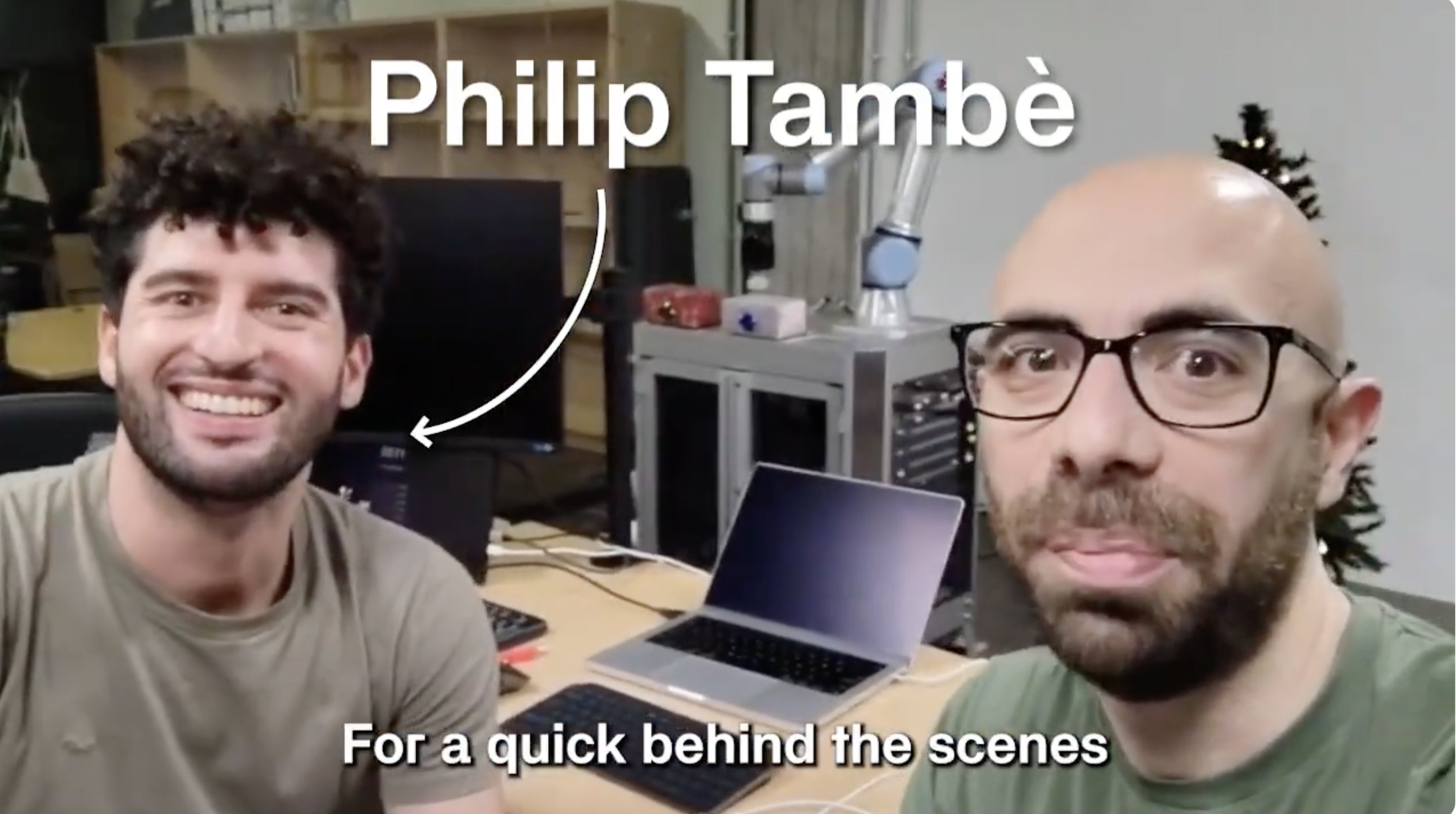
This holiday season, we put together a special demonstration showing what Cyberwave does best: seamlessly orchestrating heterogeneous robots working together. The result is our Christmas video, featuring a UR7 collaborative robot arm loading gift packages onto a Unitree Go2 quadruped robot.
Watch the full video on our YouTube channel.
The Setup
The demonstration brings together two very different robots:
- Universal Robots UR7: A 6-axis collaborative robot arm equipped with a vacuum gripper for precise pick-and-place operations
- Unitree Go2: A quadruped robot that serves as the mobile delivery platform
Both robots are connected to the Cyberwave platform through a Cyberwave Edge device, which handles real-time communication and state synchronization via MQTT.
How It Works
The magic happens through Cyberwave's unified API. Instead of writing separate integration code for each robot's proprietary SDK, we define high-level behaviors that the platform translates into robot-specific commands.
Here's how you can connect to multiple assets and coordinate their movements using the Cyberwave SDK:
1. Configure and Create Digital Twins
import cyberwave as cw

# Configure the SDK with your credentials
cw.configure(
    api_key="your_api_key",
    environment="your_env_uuid"
)

# Create twins for both robots in the same environment
ur7 = cw.twin("universal-robots/ur7")
go2 = cw.twin("unitree/go2")

print(f"UR7 Twin: {ur7}")  # Twin(uuid='...', name='UR7')
print(f"Go2 Twin: {go2}")  # Twin(uuid='...', name='Go2')
2. Control Robot Arm Joints
The SDK provides intuitive joint control through the joints controller:
# Get current joint states
ur7.joints.refresh()
current_positions = ur7.joints.get_all()
print(f"Current joints: {current_positions}")

# Set individual joints (in degrees by default)
ur7.joints.set("shoulder_pan_joint", 45)
ur7.joints.set("elbow_joint", -90)

# Or use attribute-style access
ur7.joints.shoulder_lift_joint = -75
ur7.joints.wrist_1_joint = -55
3. Use Pre-defined Poses for Pick and Place
For complex sequences, use asset-scoped poses saved in the platform:
# List available poses for the UR7 asset
poses = ur7.motion.asset.list_keyframes()
for pose in poses:
    print(f"  - {pose['name']}")

# Apply pre-defined poses with smooth transitions
ur7.motion.asset.pose("Home", transition_ms=1000)
ur7.motion.asset.pose("Pick Position", transition_ms=800)
ur7.motion.asset.pose("Place Position", transition_ms=800)
4. Coordinate Multi-Robot Movements
from cyberwave import SOURCE_TYPE_TELE

# Define joint positions for the pick-and-place sequence
PICK_JOINTS = {
    "shoulder_pan_joint": 0.86,
    "shoulder_lift_joint": -1.31,
    "elbow_joint": -2.41,
    "wrist_1_joint": -0.98,
    "wrist_2_joint": 1.56,
    "wrist_3_joint": -0.70,
}

# Get the MQTT client for direct joint control
client = cw.get_client()

# Send coordinated joint update (all joints move together)
client.mqtt.update_joints_state(
    twin_uuid=ur7.uuid,
    joint_positions=PICK_JOINTS,
    source_type=SOURCE_TYPE_TELE
)

# Navigate the Go2 quadruped to approach the arm
go2.navigation.goto([0.5, 0.0, 0.0], yaw=0.0)
5. Subscribe to Real-Time Joint States
# Monitor joint positions in real-time
def on_joint_update(data):
    joint_name = data.get("joint_name")
    position = data.get("joint_state", {}).get("position")
    print(f"Joint {joint_name}: {position:.3f} rad")

# Subscribe to joint state updates
ur7.subscribe_joints(on_joint_update)

# Or use the polling approach
ur7.joints.refresh()
all_positions = ur7.joints.get_all()
6. Gripper Control
# Control the vacuum gripper via joint position
# Positive value = vacuum on, negative = vacuum off
ur7.joints.set("ee_fixed_joint", 0.5, degrees=False)  # Vacuum ON

# Wait, then release
import time
time.sleep(2)
ur7.joints.set("ee_fixed_joint", -0.5, degrees=False)  # Vacuum OFF
The Complete Orchestration Flow
The Christmas video demonstrates a full pick-and-place cycle:
- UR7 moves to home position - The arm starts from a safe zero position
- UR7 approaches the package - Precise positioning above the gift box
- Vacuum gripper activates - The package is securely gripped
- UR7 lifts and transfers - The arm moves the package toward the Go2
- Package placement - The gift is carefully placed on the Go2's back
- Vacuum release - A brief delay ensures clean release
- UR7 returns home - The arm returns to ready position
- Go2 walks away - The quadruped delivers the package
Why This Matters
This demonstration showcases several key capabilities of the Cyberwave platform:
- Vendor-agnostic control: One SDK works with both Universal Robots and Unitree hardware
- Intuitive API: Control joints via
robot.joints.shoulder = 45or use pre-defined poses withrobot.motion.asset.pose("Pick") - Real-time synchronization: MQTT-based communication ensures robots stay coordinated with
subscribe_joints()callbacks - Navigation primitives: Mobile robots use
robot.navigation.goto([x, y, z])for waypoint control - Edge computing: Low-latency control through the Cyberwave Edge device
Try It Yourself
The complete source code for the UR7 control sequence is available in our SDK examples. To get started:
# Install the Cyberwave SDK
pip install cyberwave

# Set your credentials via environment variables
export CYBERWAVE_API_KEY=your_api_key
export CYBERWAVE_BASE_URL=https://api.cyberwave.com

# Or configure in code
python -c "
import cyberwave as cw
cw.configure(api_key='your_api_key')
robot = cw.twin('universal-robots/ur7')
print(f'Connected to {robot.name}')
"
The SDK automatically handles MQTT connections for real-time control. Check out our SDK documentation for more examples.
What's Next
This is just the beginning. We're working on higher-level coordination primitives that will make multi-robot workflows even simpler to define. Imagine describing a task like "pick package from station A and deliver to station B" and having the platform automatically orchestrate the robots involved.
Happy holidays from the Cyberwave team. We look forward to building the future of robotics with you in 2026.
Questions or want to try Cyberwave with your robots? Get in touch or explore our documentation.